Send Fund Documents to Investors
This guide outlines the navigation steps and selection options necessary to send these reports successfully.
1. Within the subject vehicle, navigate to the Investors section.
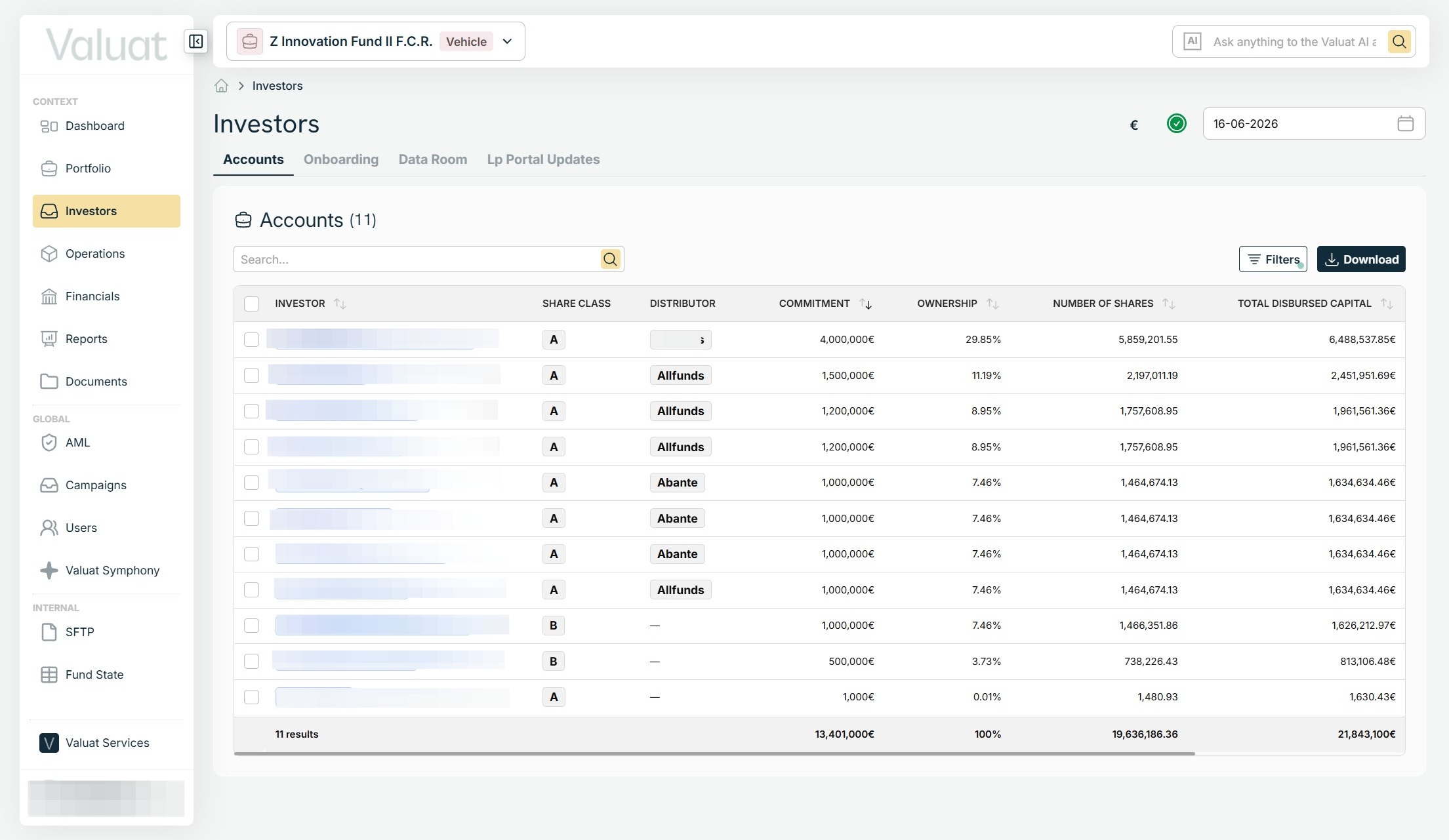
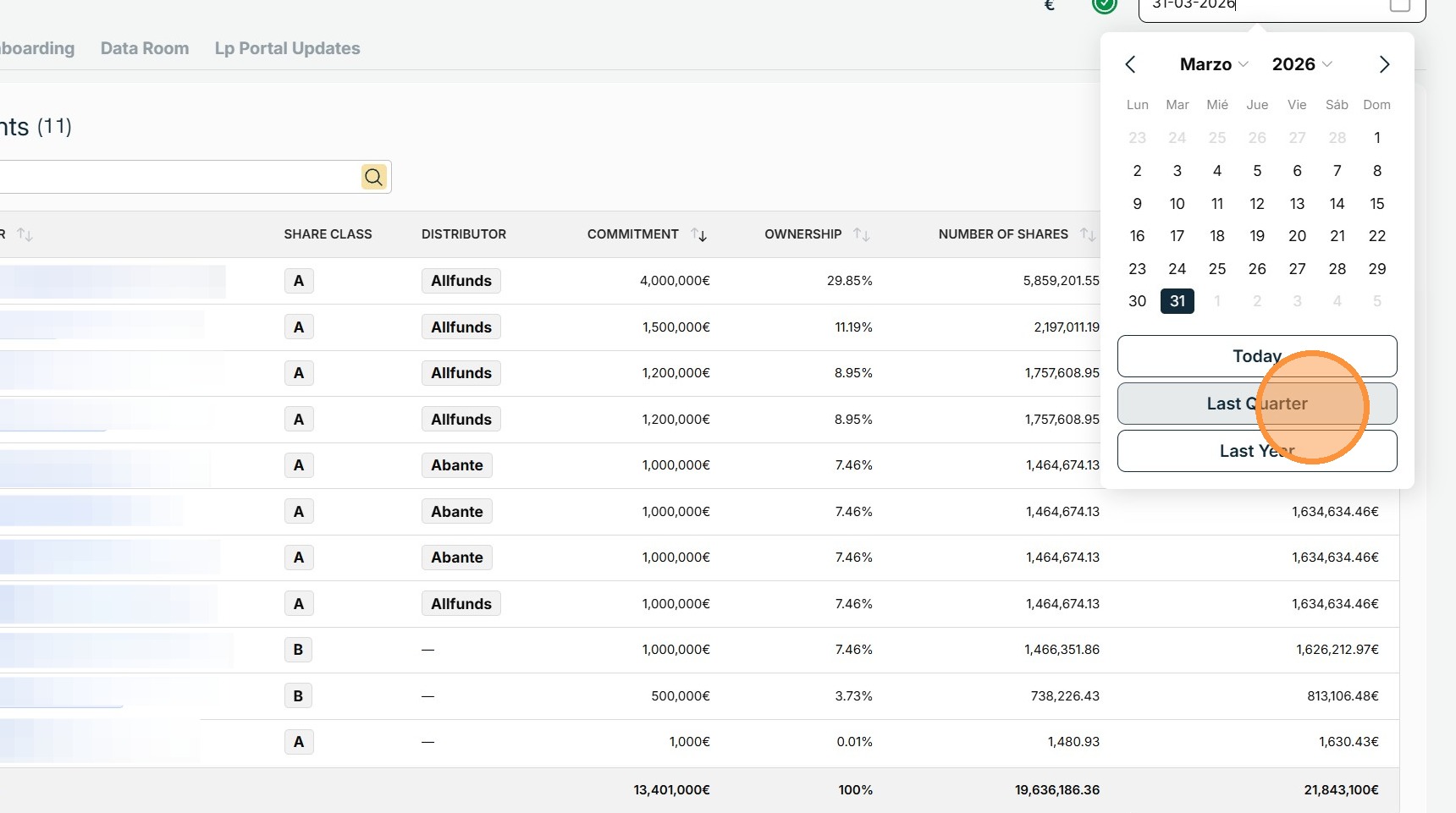
2. Confirm the correct reference date is selected.
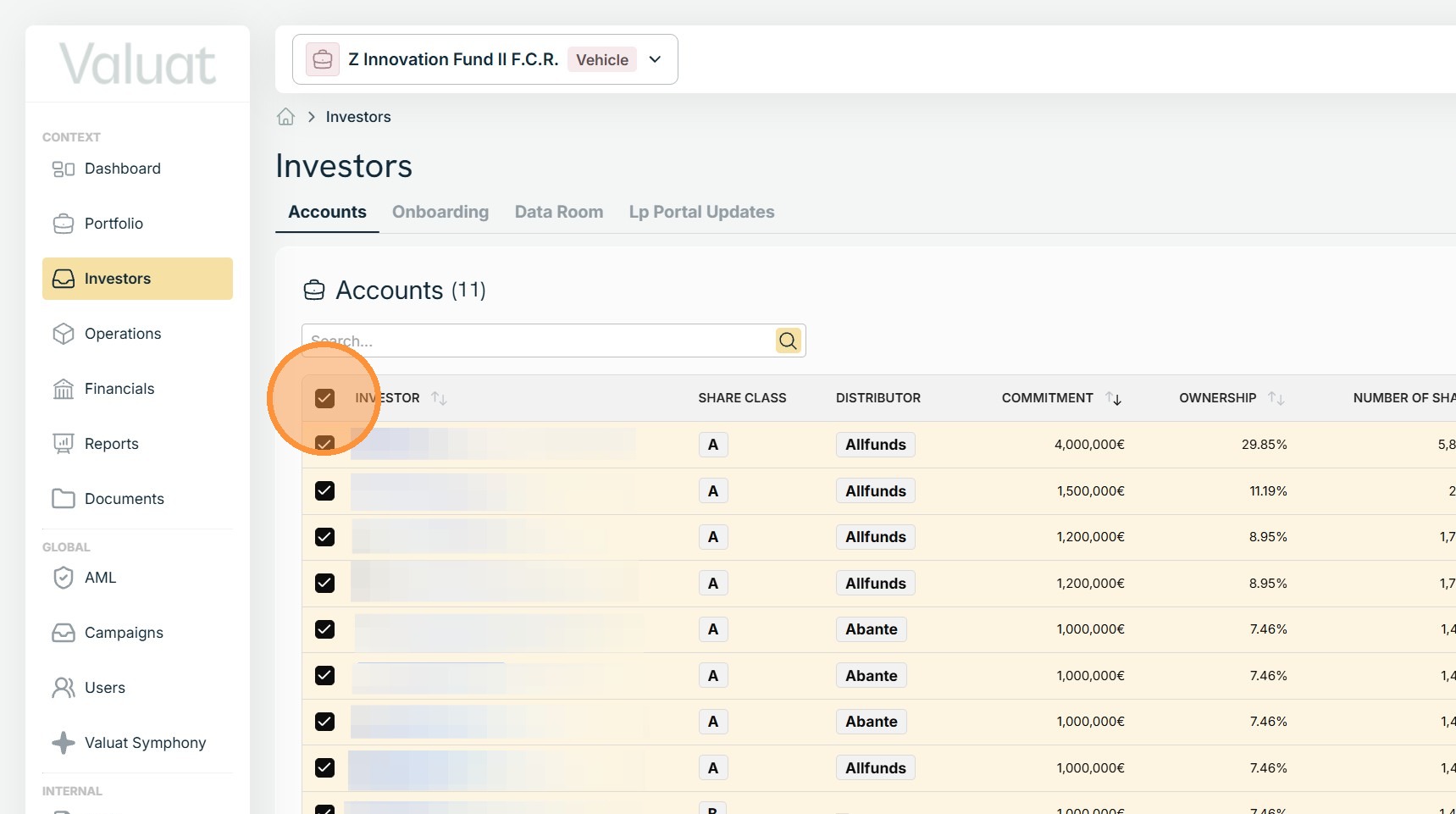
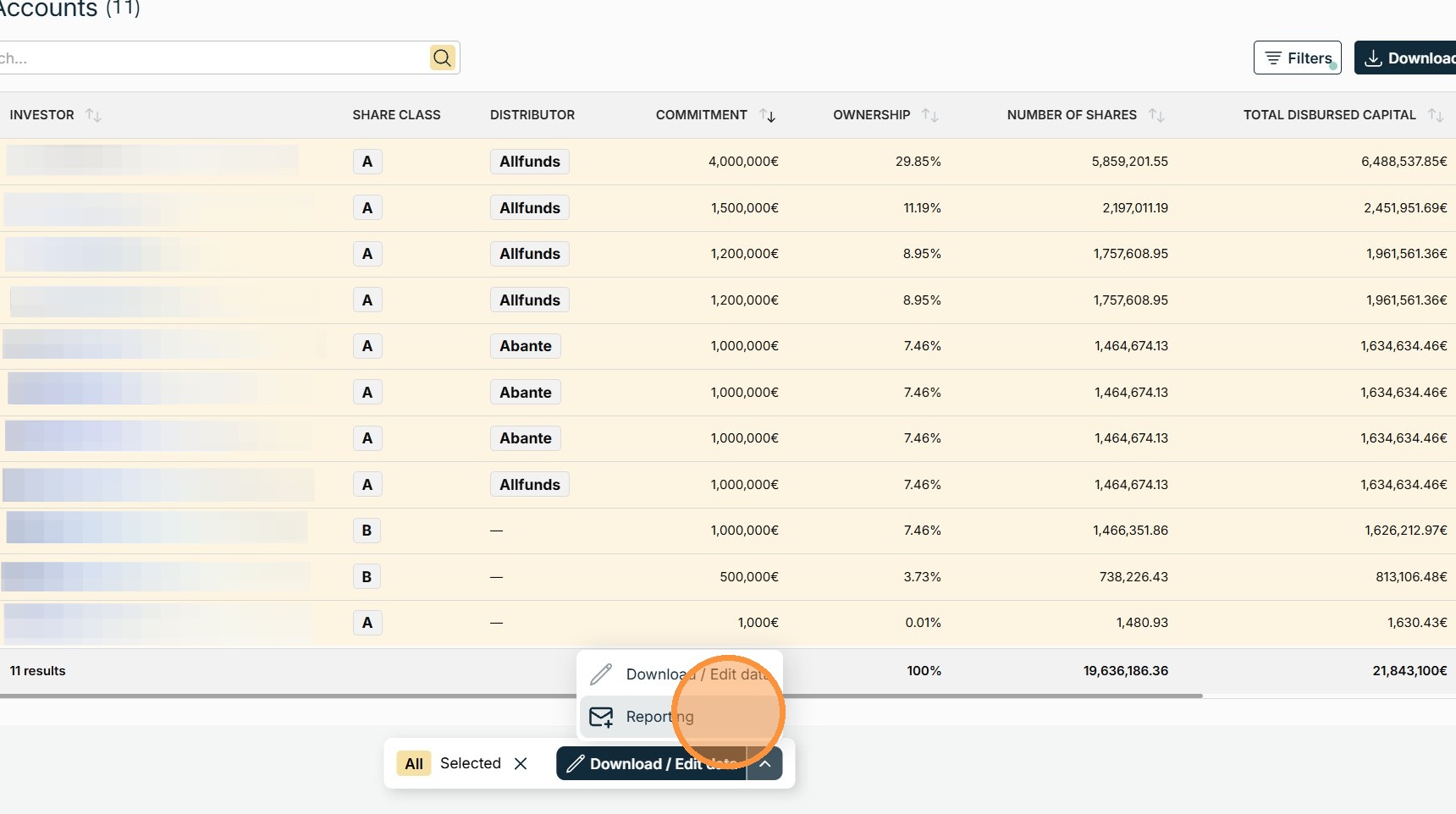
3. Select all the LPs you want to send the documents to.
4. From the drop-down menu next to Download/Edit Data, select Reporting.
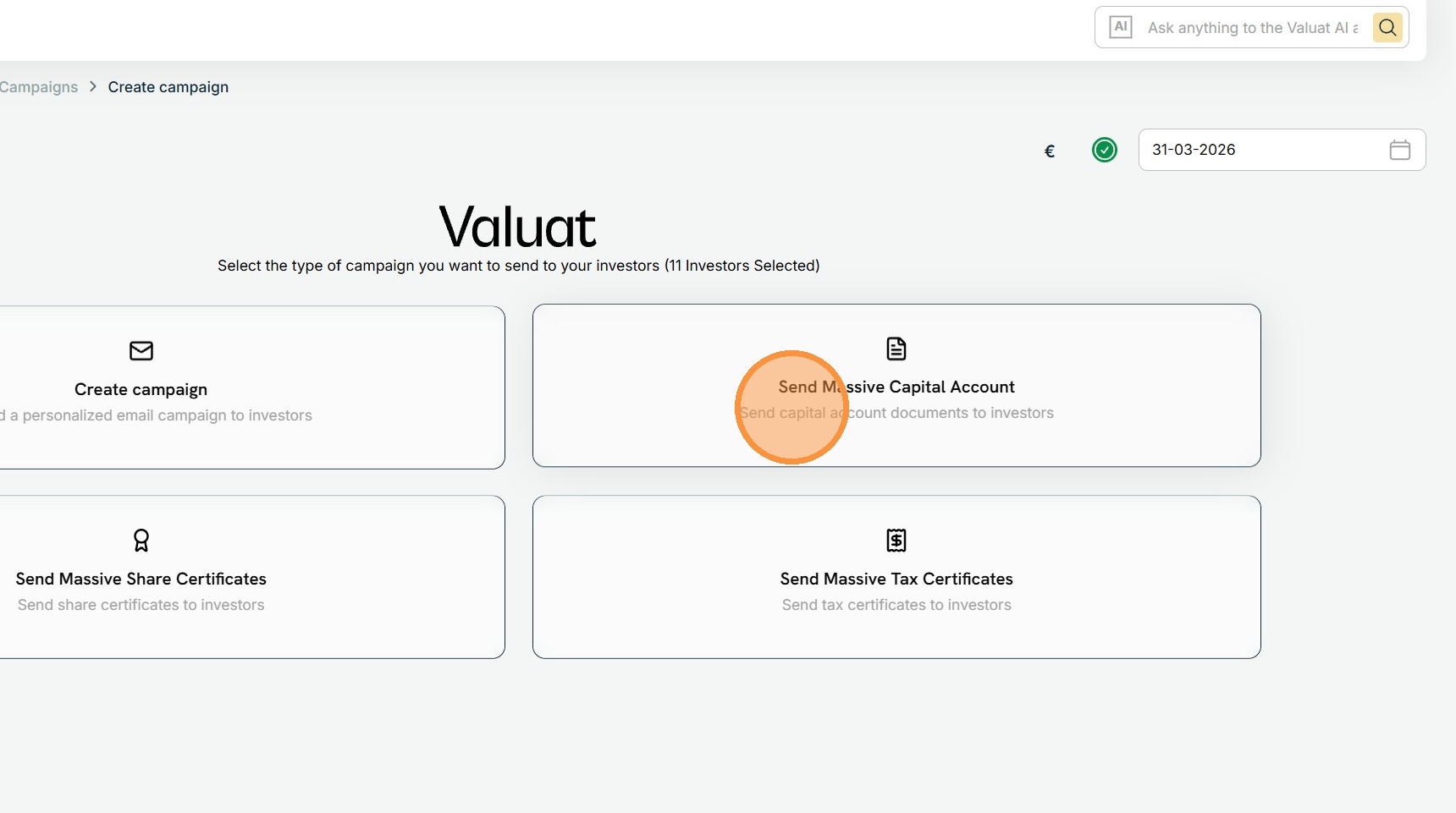
5. Select one of the available campaign creation options according to the type of documents you are sending.
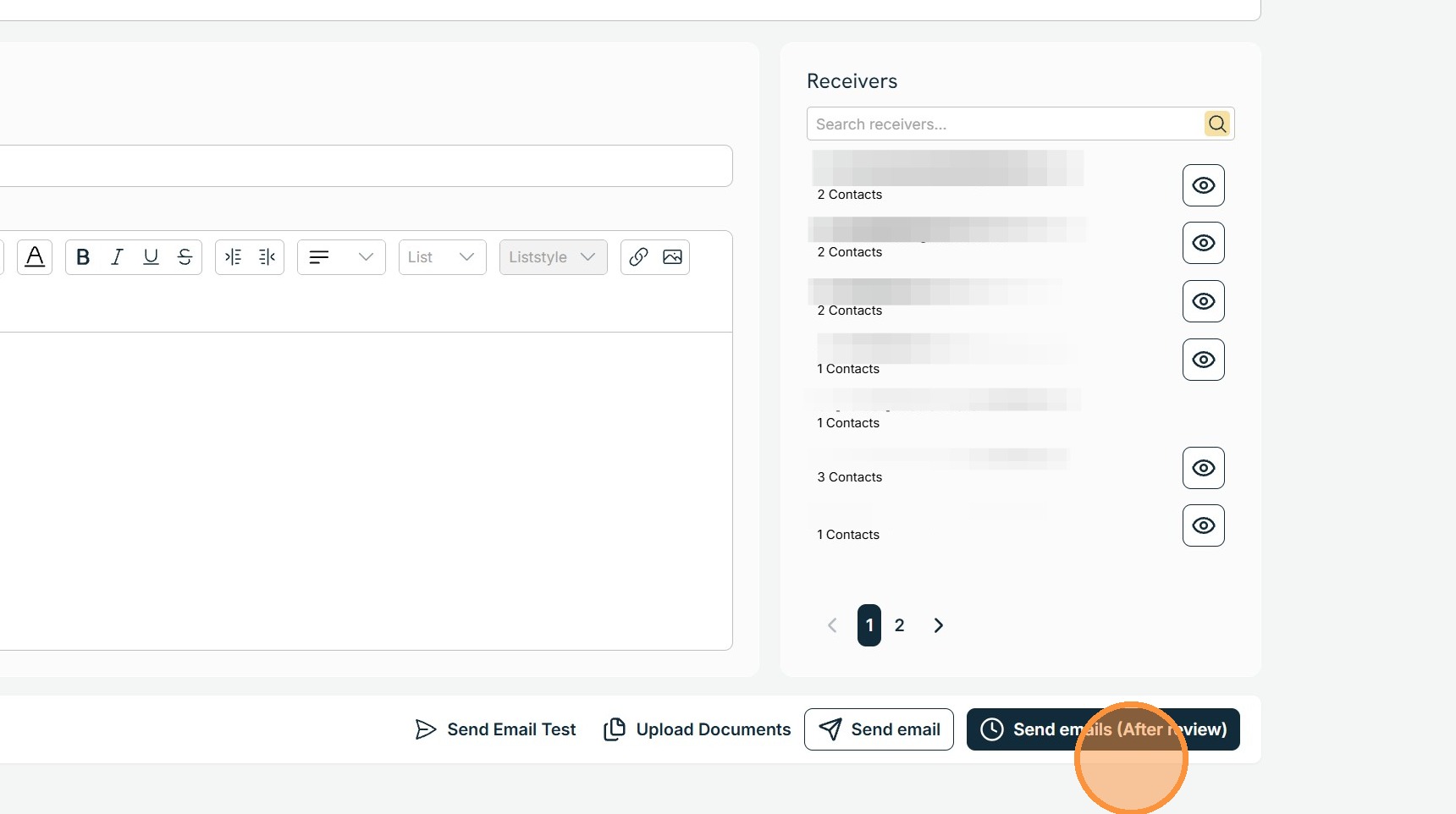
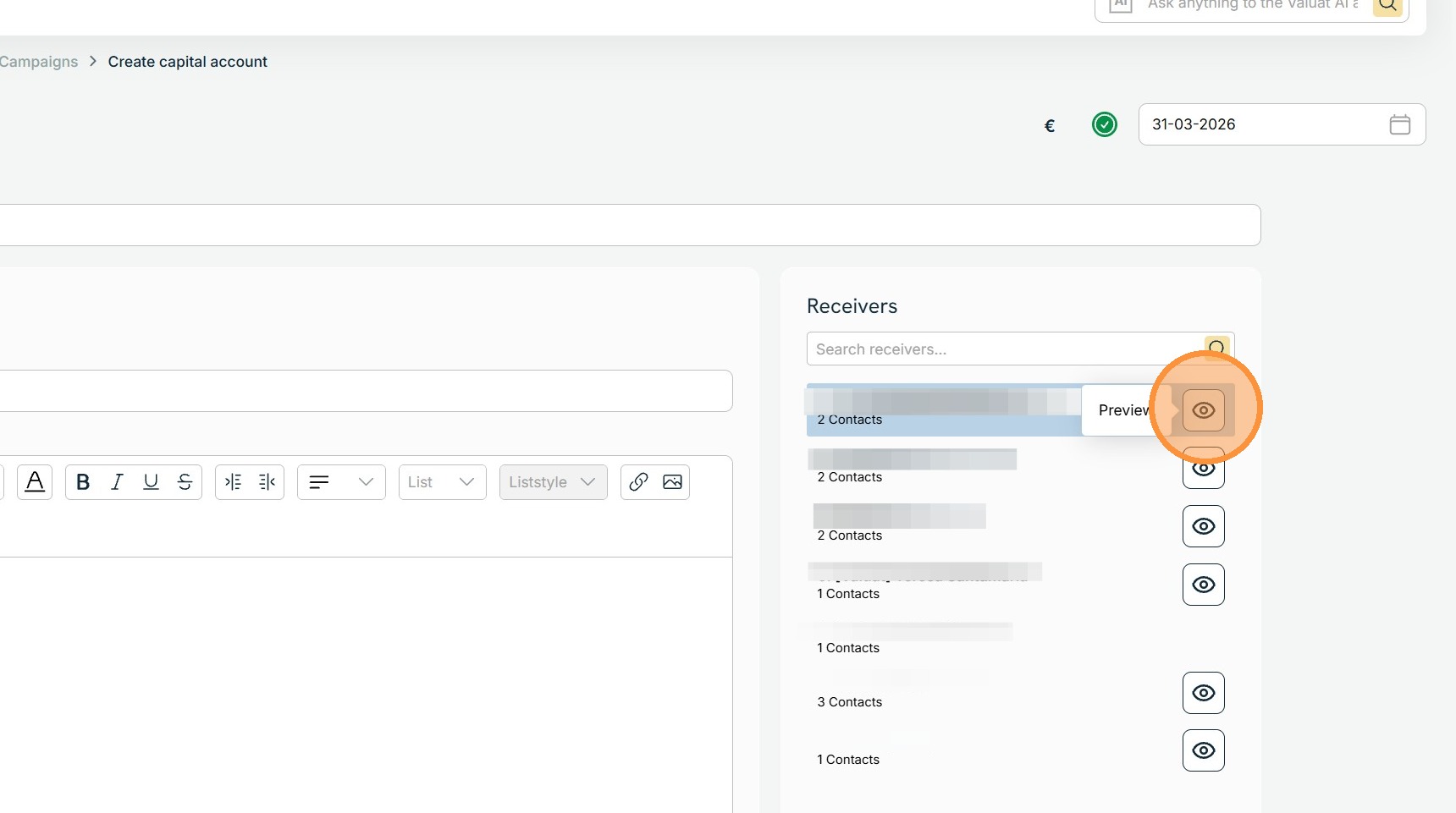
6. To preview the document sent to an investor, click the Preview icon next to their name in the Receivers section.
7. When you have reviewed and approved the email template, select Send emails (After review).
The documents and emails processing can take several minutes. The user will receive an email once the task is done and documents are ready.
Access the campaign by clicking the link in the email’s body, then proceed to dispatch the documents to the investors.