
Add a Limited Partner to the Subscription Process
This guide streamlines the invitation process to ensure you can efficiently onboard your investors
Learn the simple steps to add a new Limited Partner to your investment fund.
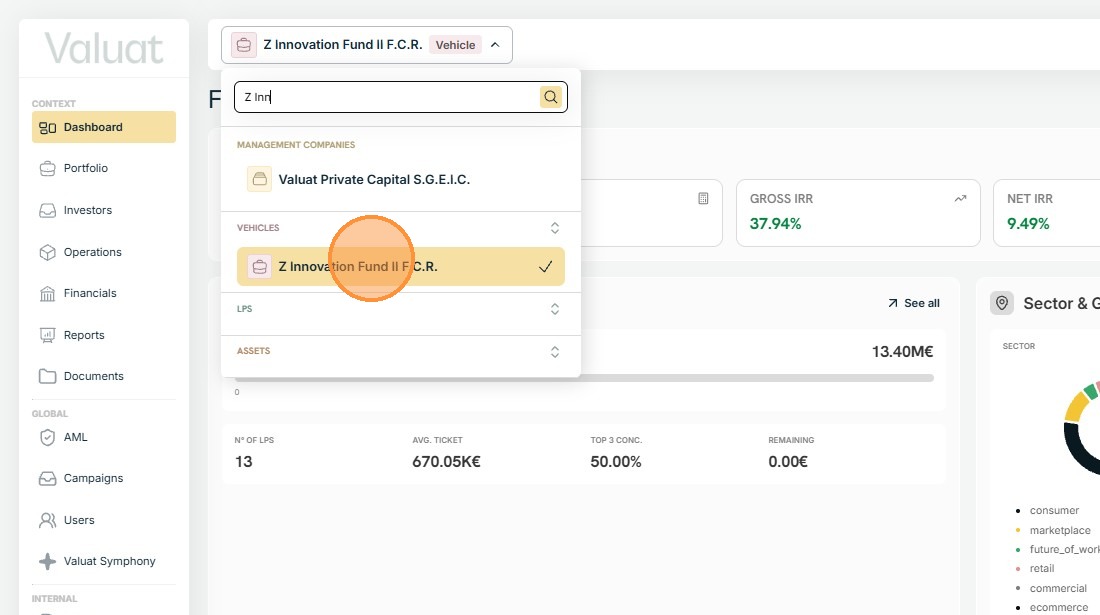
1. To start the onboarding process for an LP, find the vehicle you want by using the search box at the top of the page.
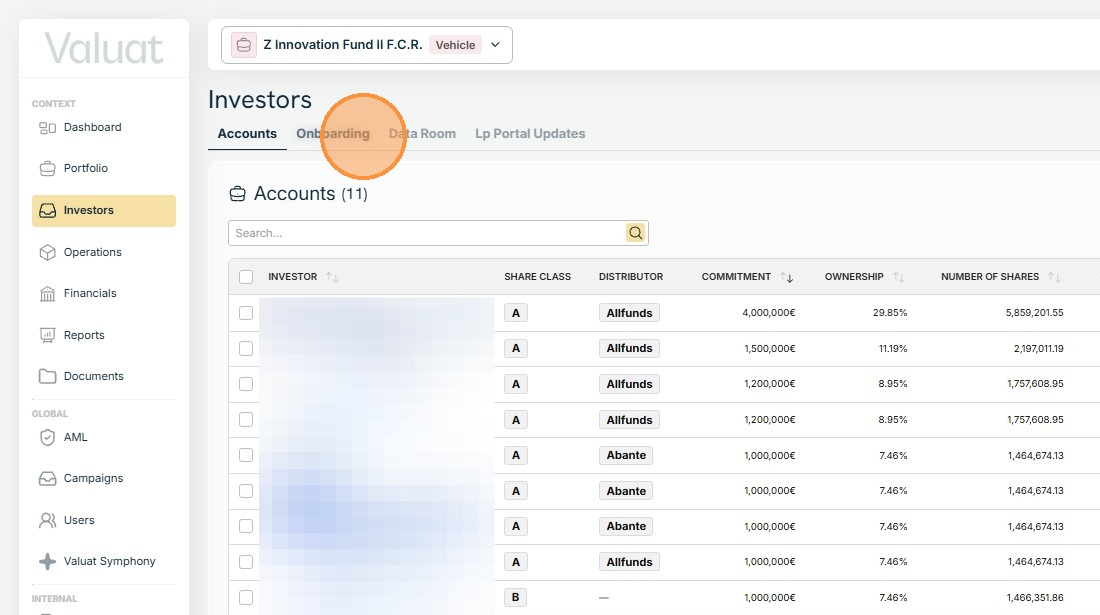
2. Navigate to the Investor section of the desired vehicle and select the Onboarding tab.
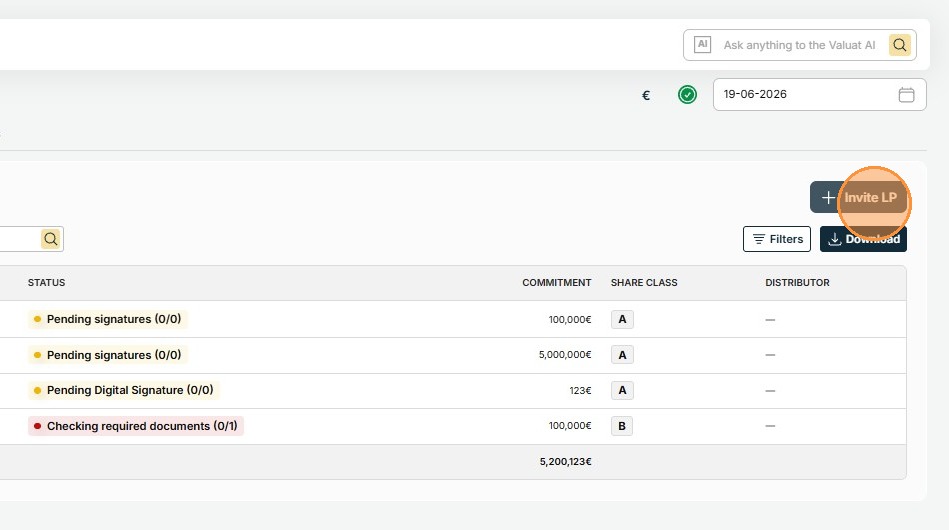
3. Locate the Invite LP button to the right of the Onboarding table and press it.
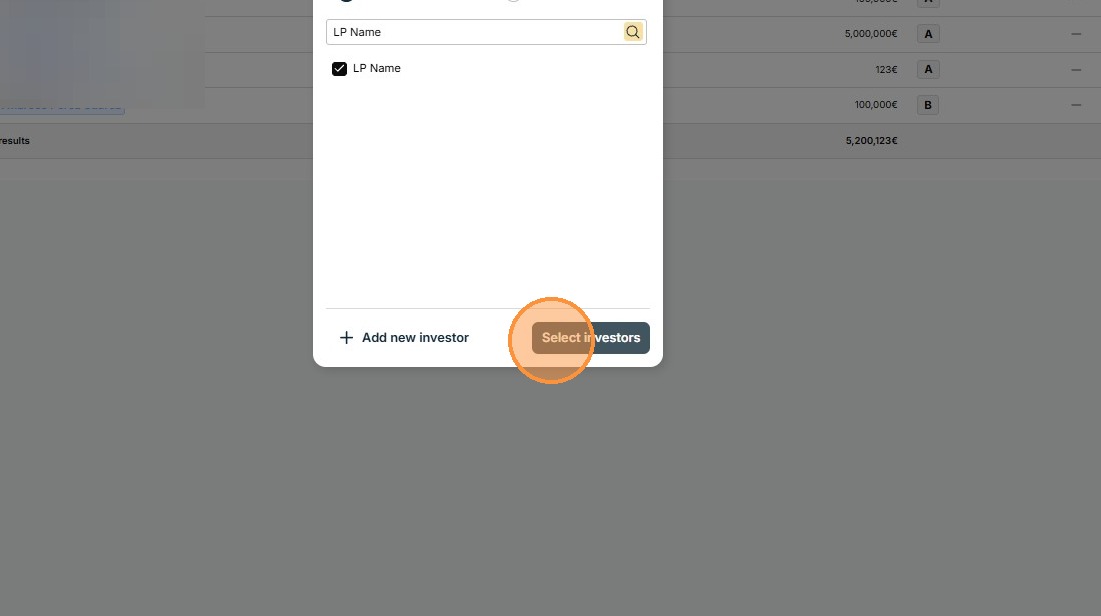
4. To add the LPs you want to grant access to the onboarding process, search for the Limited Partner's name. Repeat the process for all the LPs being onboarded.
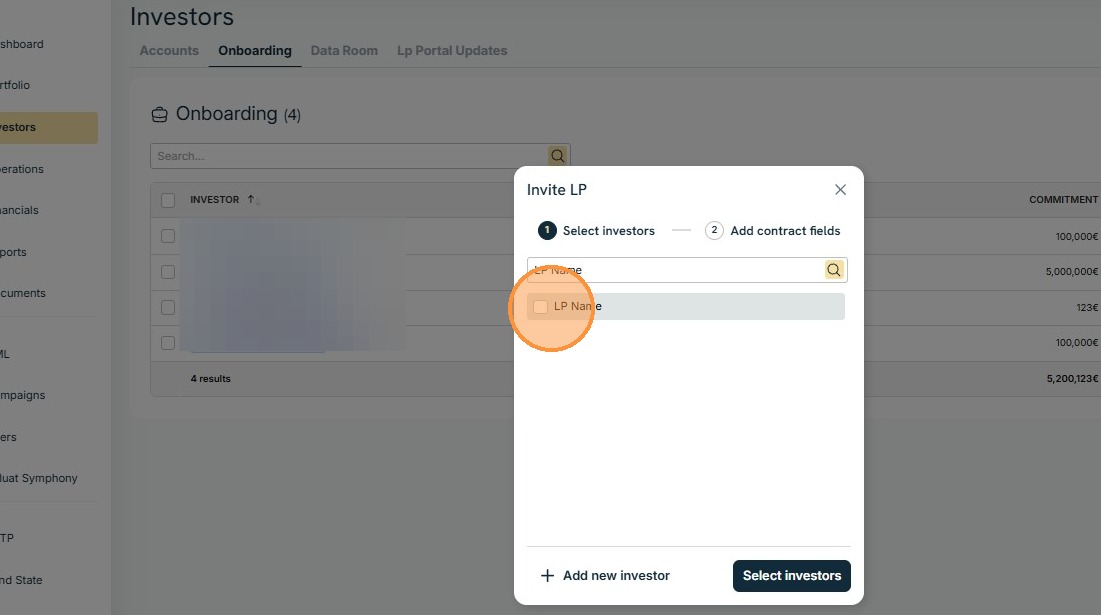
5. Proceed by clicking Select Investors.
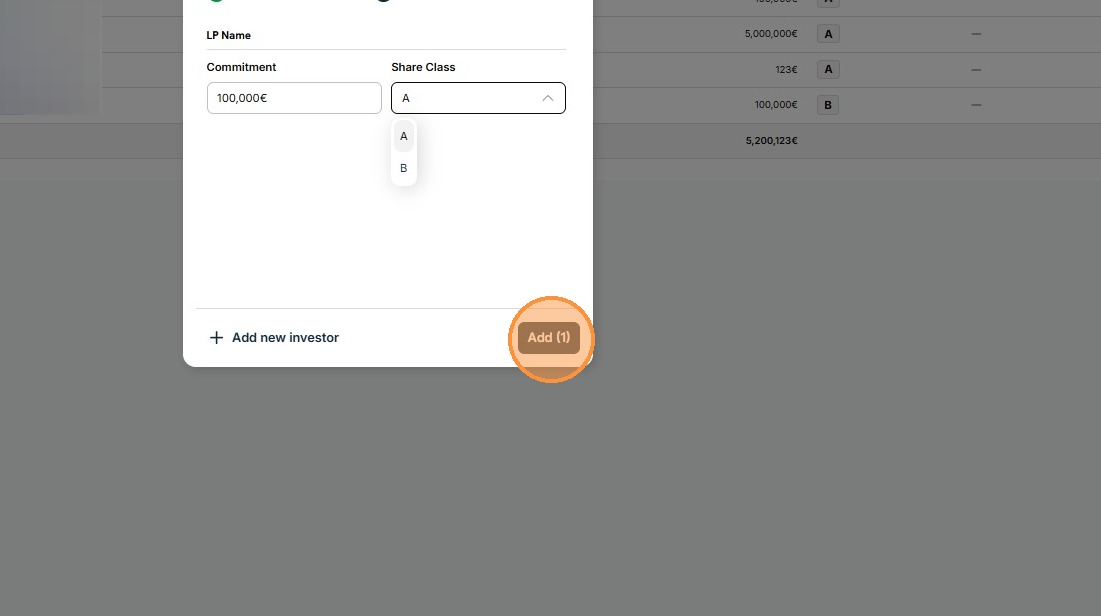
6. Fill out the contractual information (Commitment and Share Class) and the click Add.
Last updated: 6/23/26, 2:31 PM