Notify Investors of Fund Operations
This guide walks you through the step-by-step process dispatching email communications of a fund operation.
Intro
There are three key steps involved in informing investors about new fund operations.
- Accessing the subject operation
- Selecting the relevant investors
- Setting up the campaign
Due to the many nuances involved, a dedicated guide thoroughly explains the process of setting up a campaign.
Access Operations
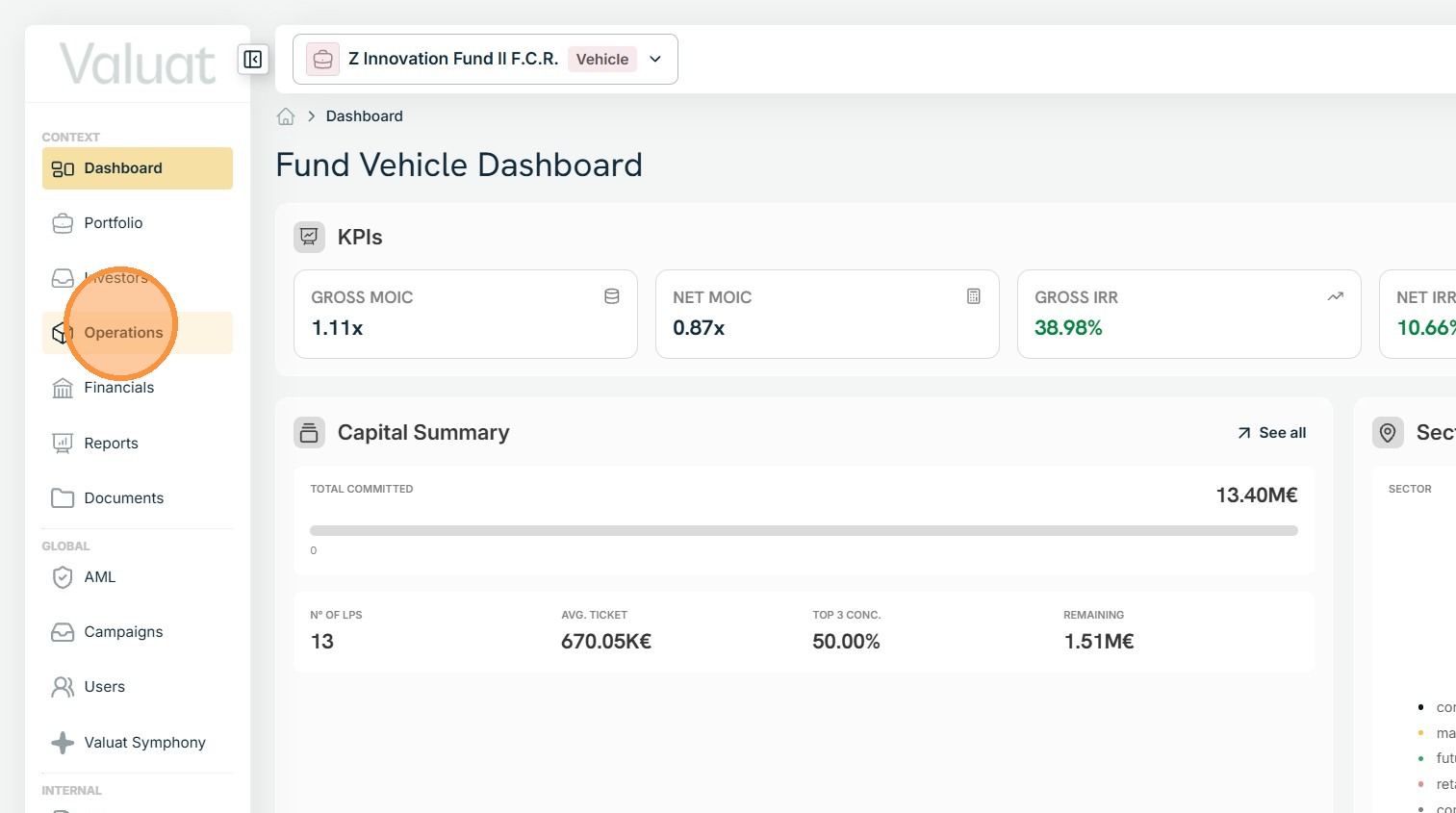
1. Within the target vehicle, access the Operations section.
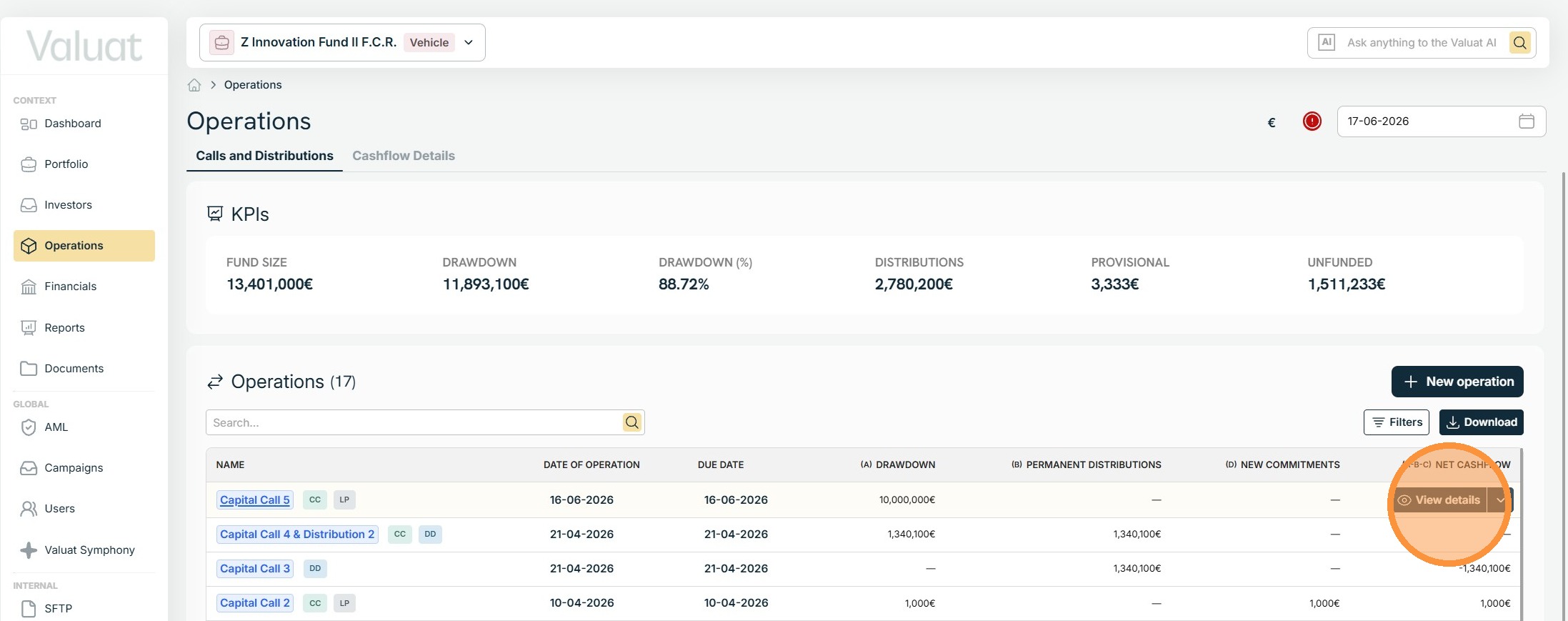
2. Upon creation of the fund operation, highlight the corresponding row in the Operations table and select View details.
Investor Notification
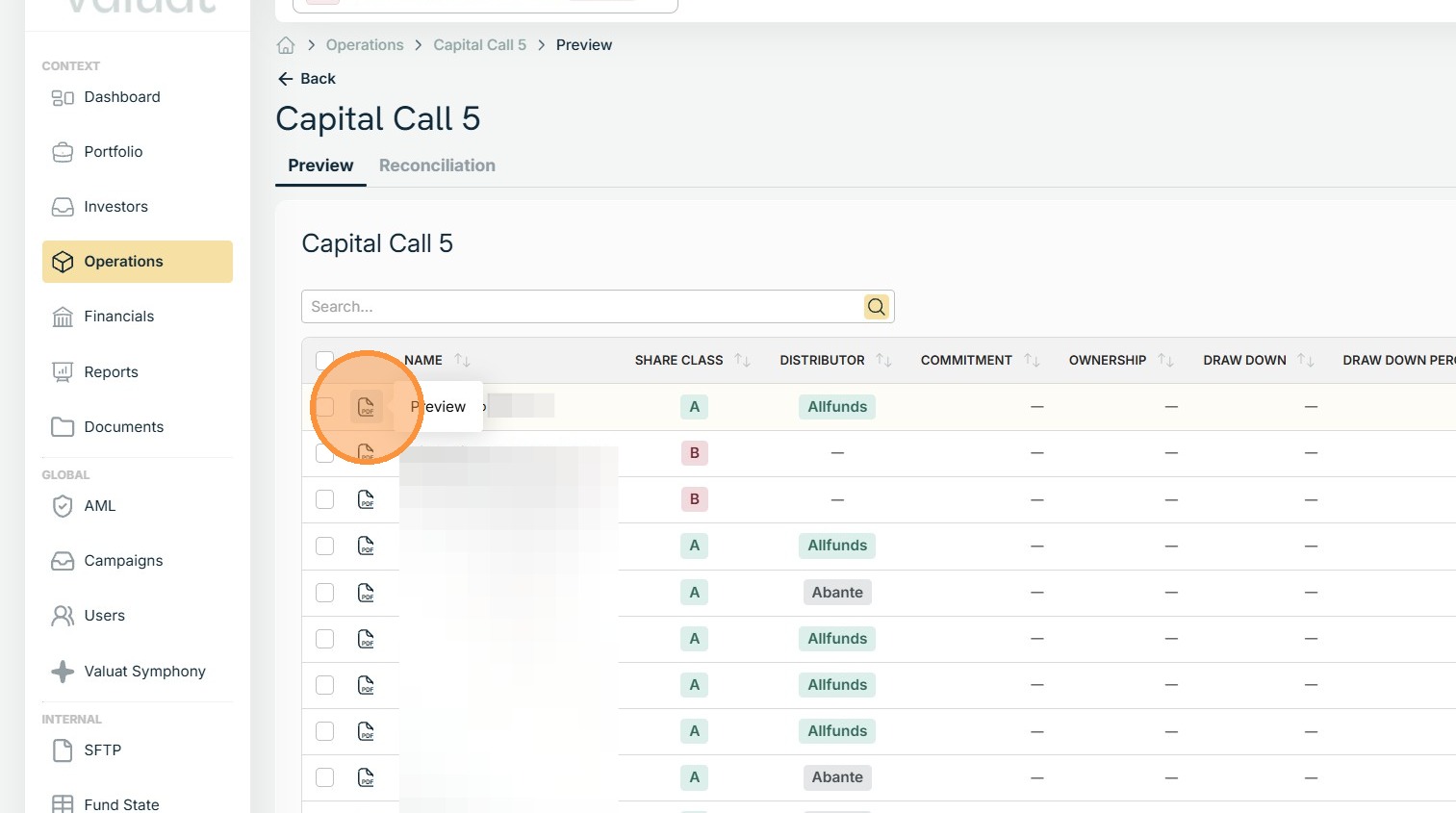
3. After entering the operation, locate the subject investor and click the PDF icon to preview the communication letter being sent.
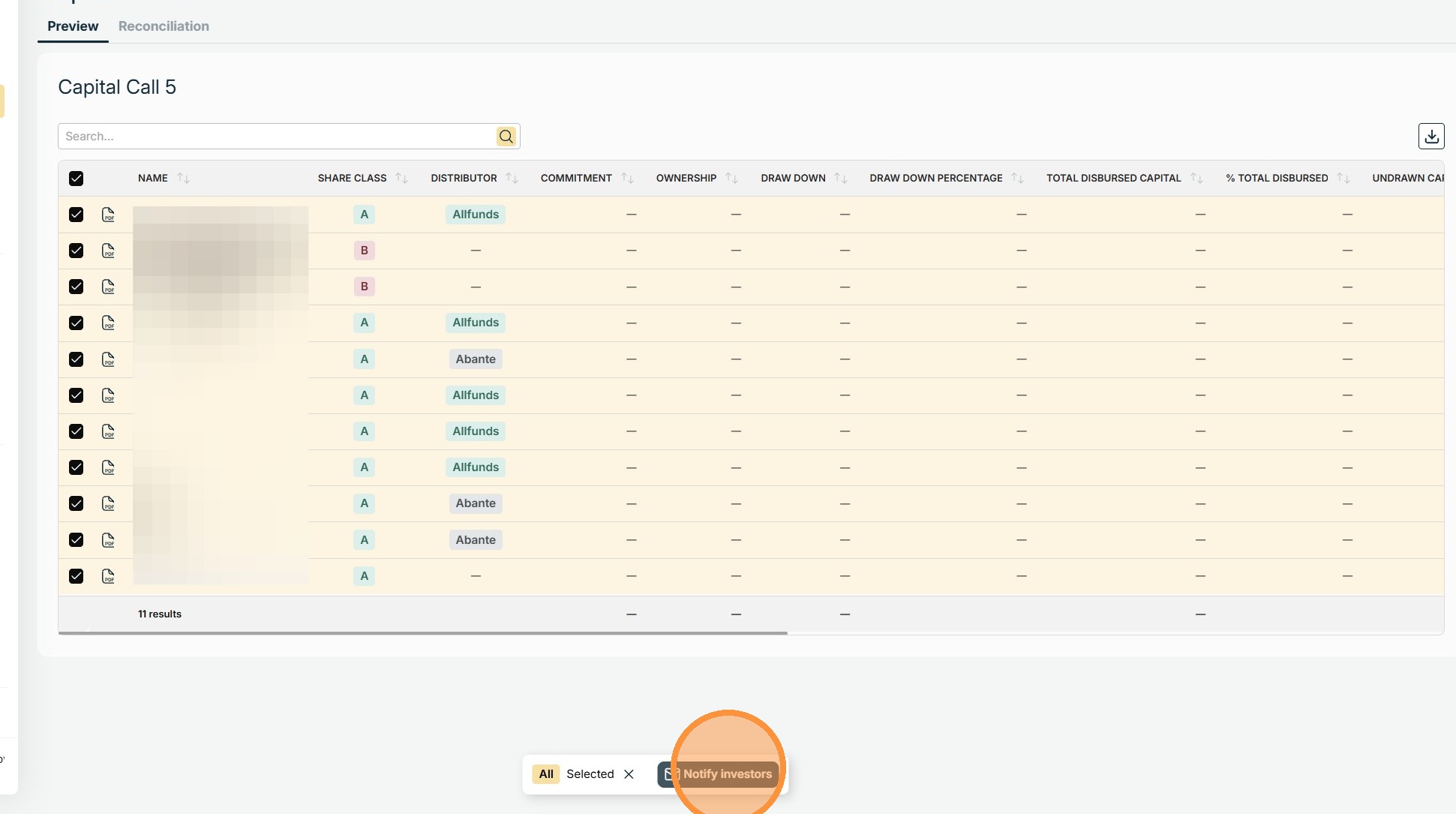
4. Mark all the investors you wish to send the communication to.
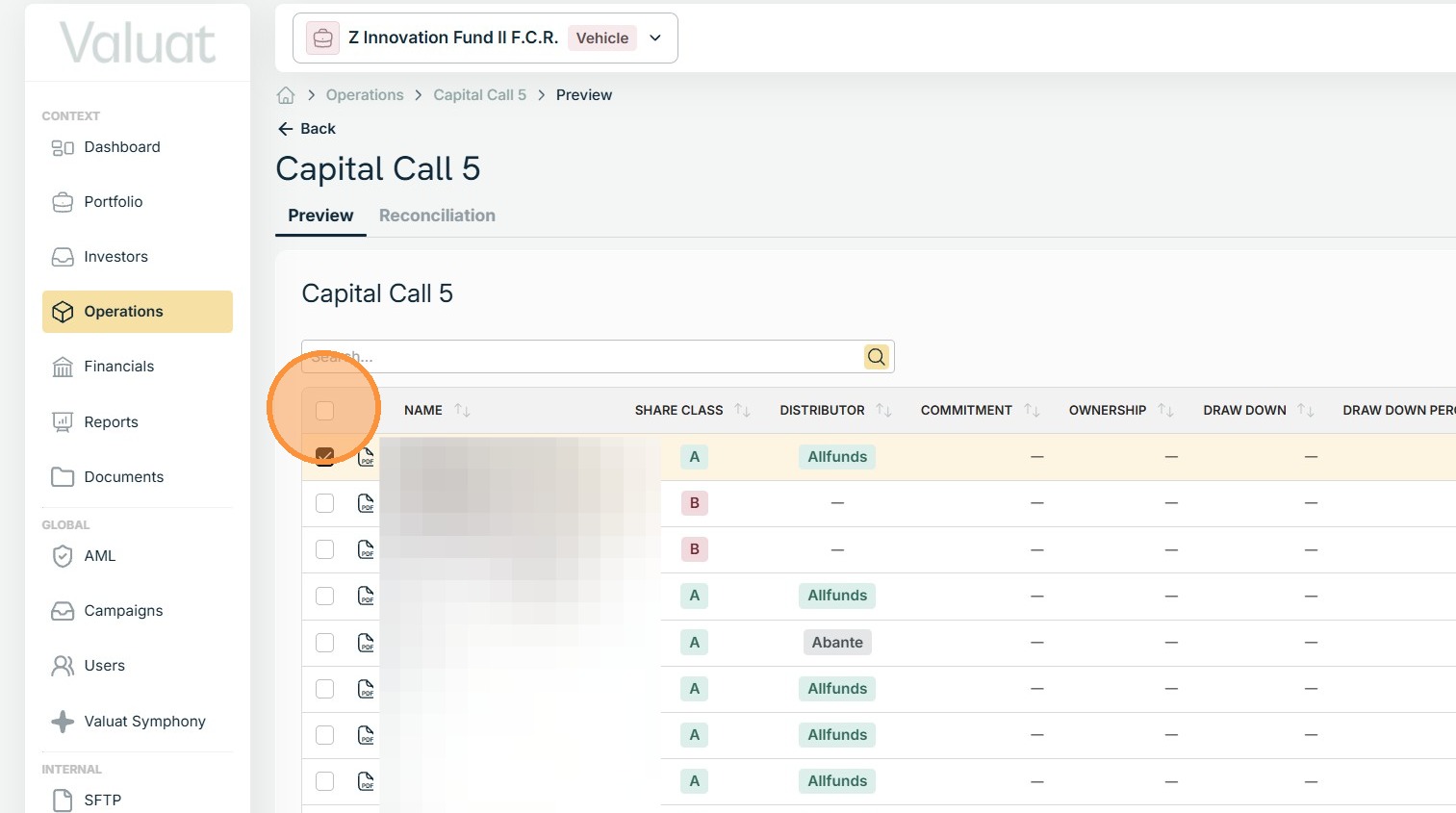
5. To create the email campaign, click Notify investors found at the bottom of the grid.
Campaign Configuration
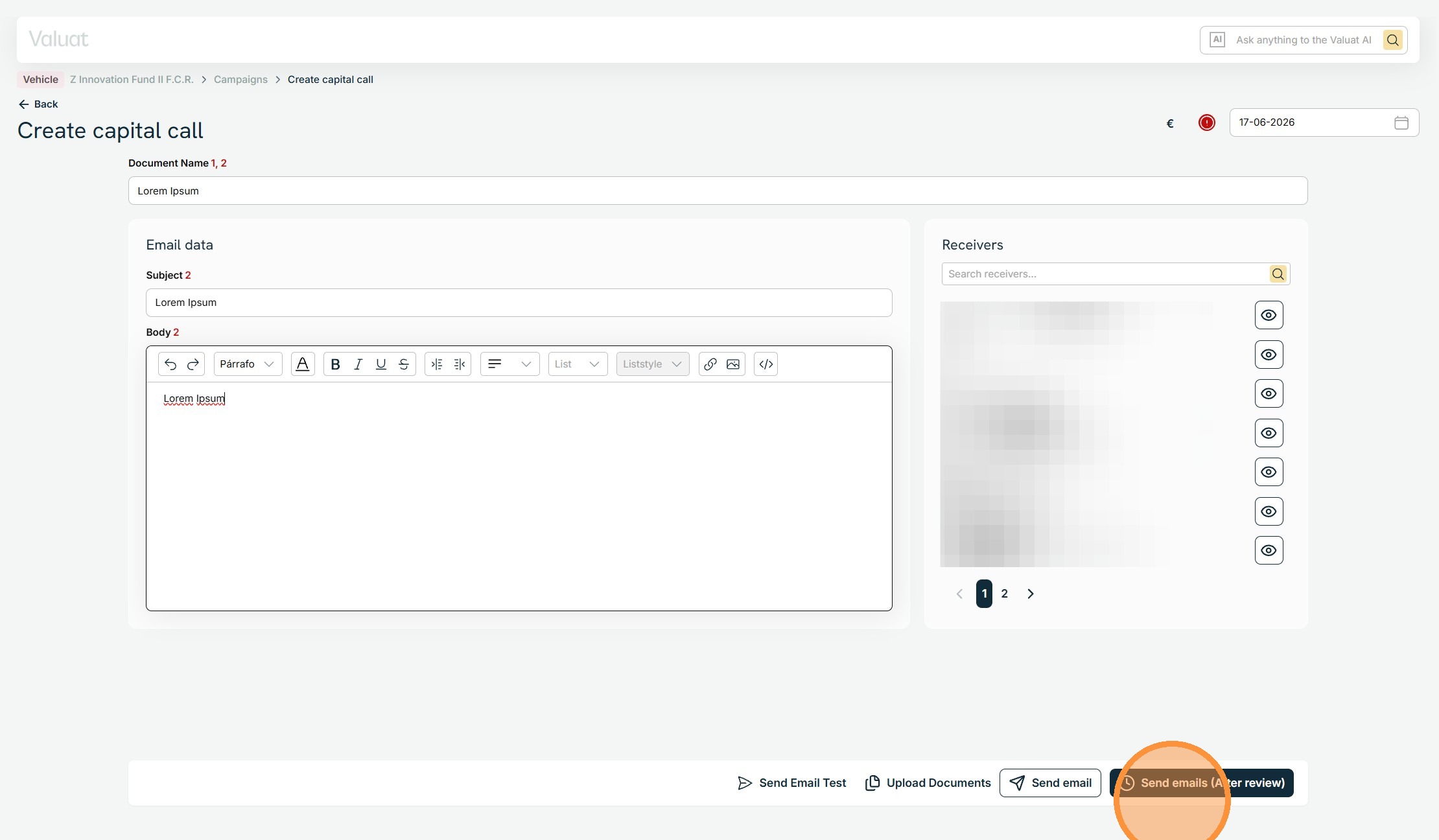
6. Configure the email campaign by entering the document name, email subject, and body.
When you have reviewed and approved the email template, select Send emails (After review).
The documents and emails processing can take several minutes. An email will be sent once the task is done and documents are ready.
Access the campaign by clicking the link in the email’s body, then proceed to dispatch the notifications to the investors.