
Create a New Investor
Follow this guide to learn how to register a new investor profile within the management company dashboard
These steps will walk you through the data entry process to ensure your investor information is accurately configured and saved in the system.
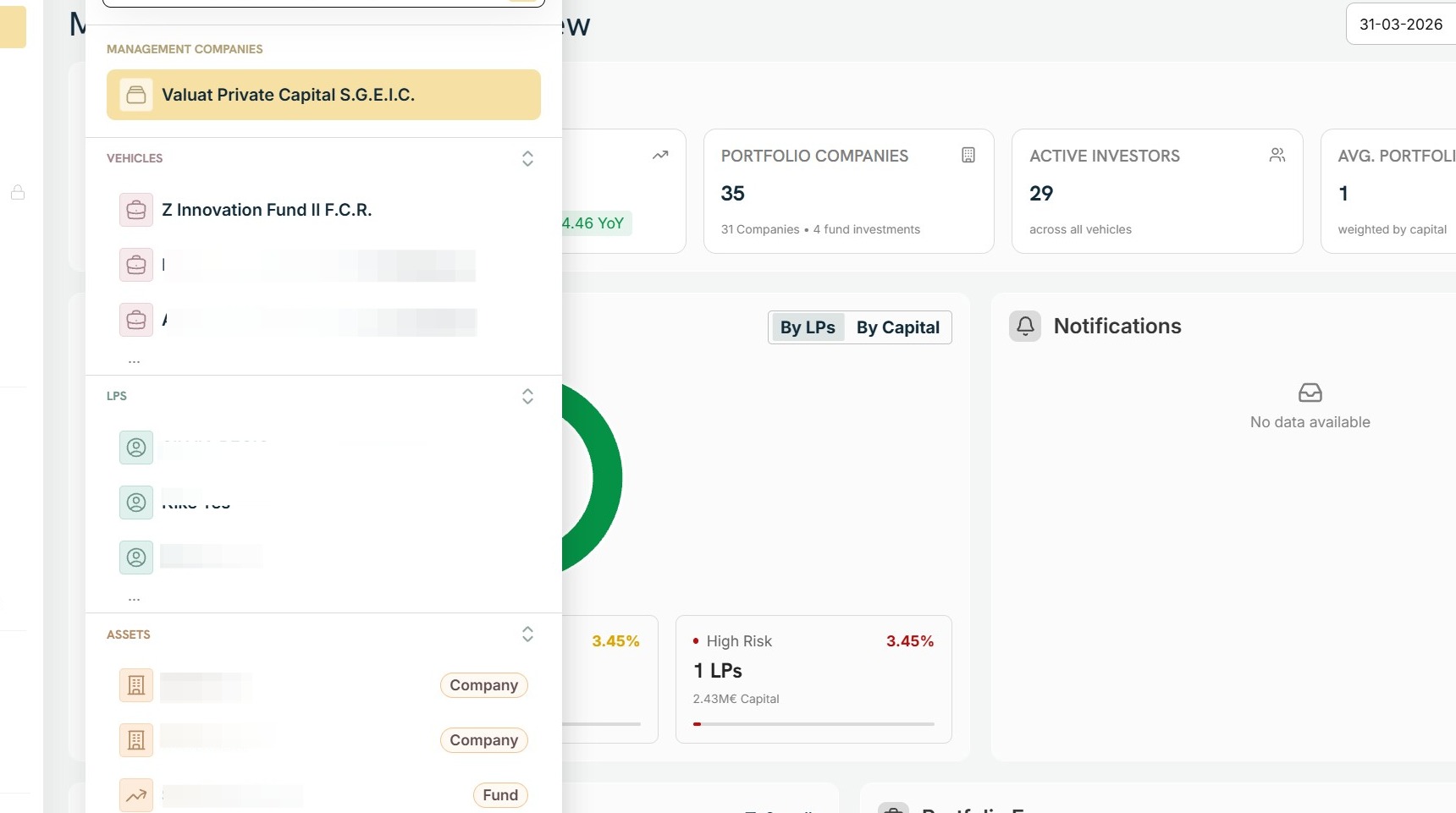
1. Navigate to the Management Company.
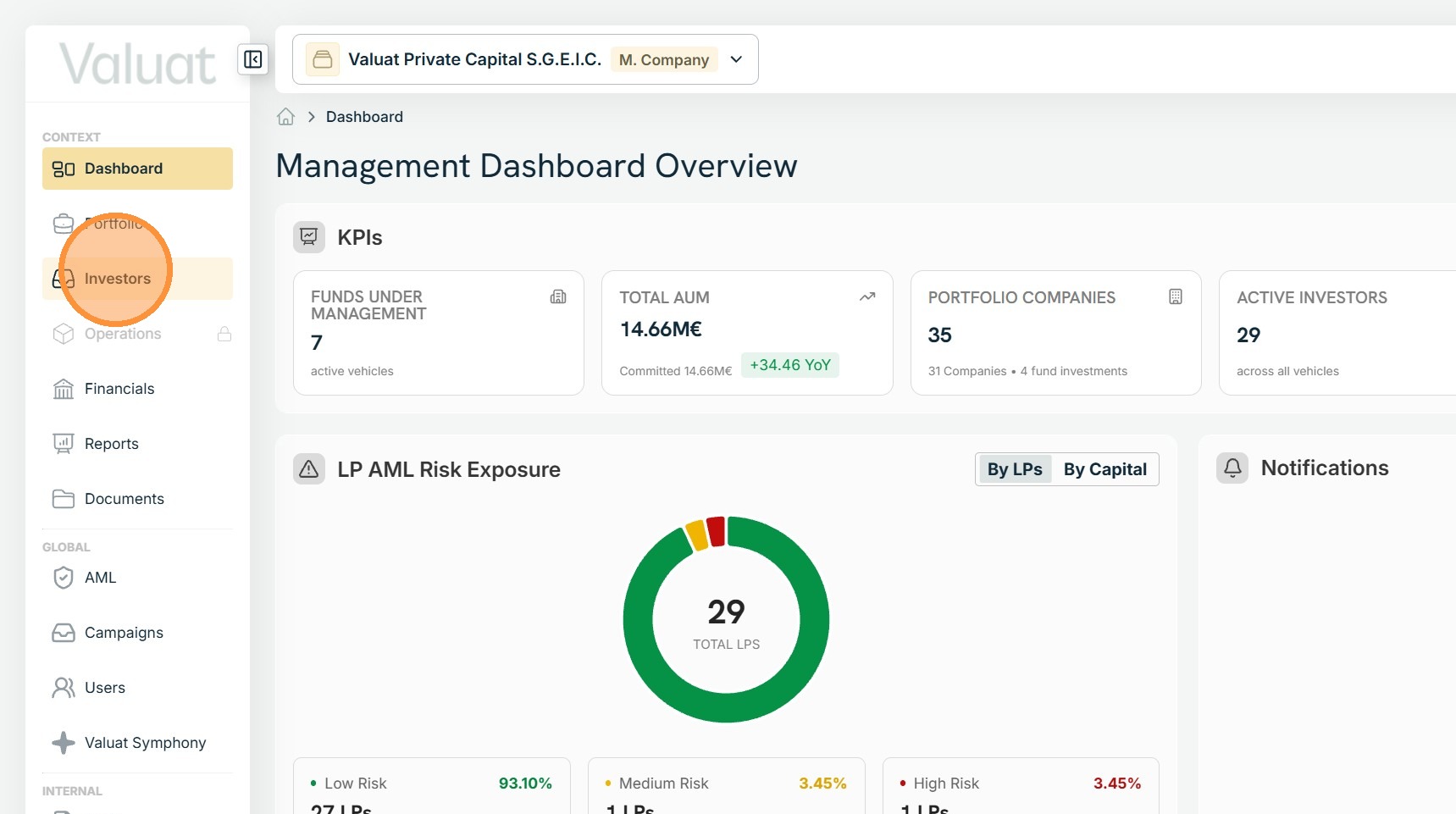
2. Select Investors from the sidebar.
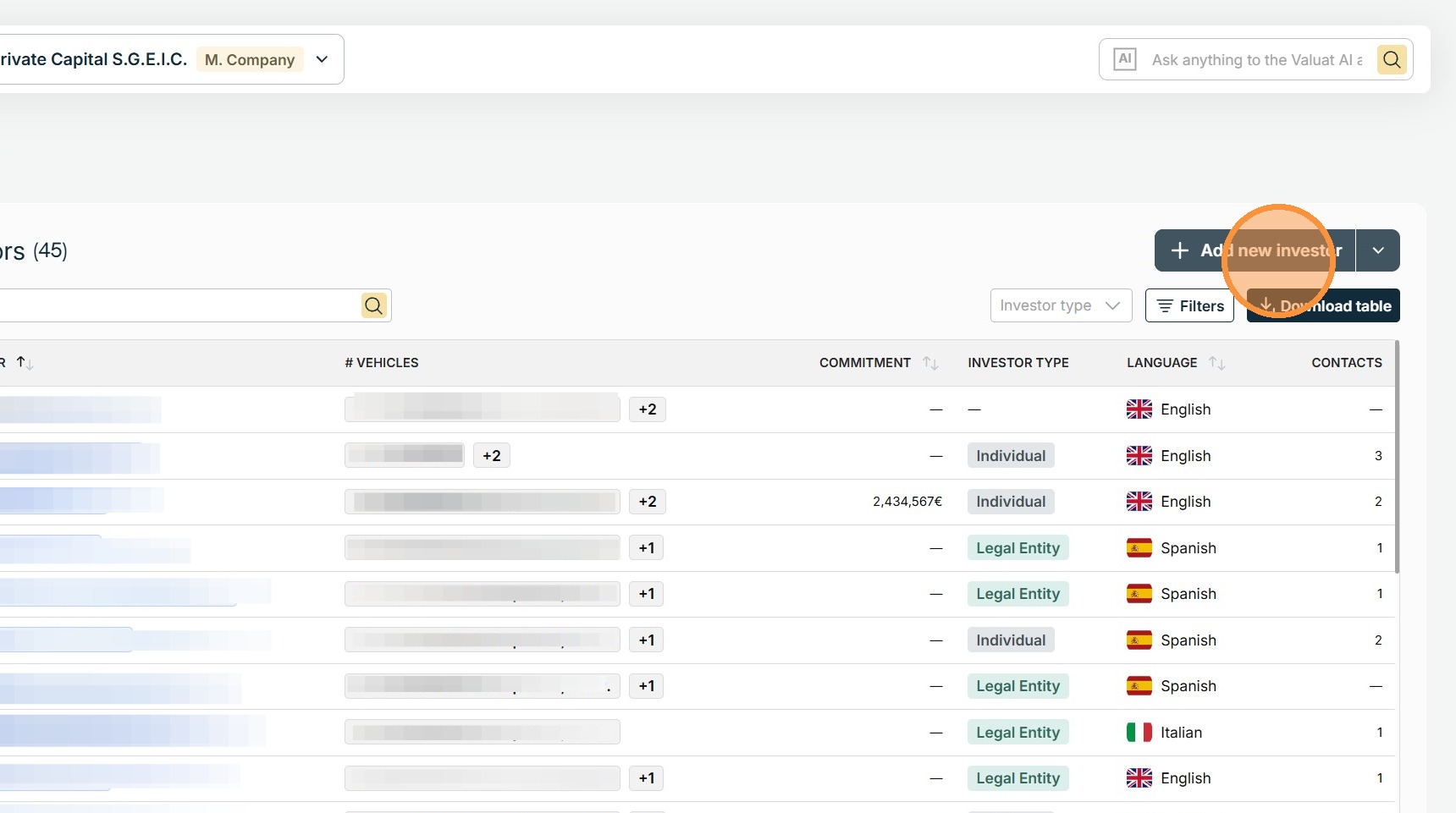
3. Locate the Add new investor button to the right of the investor table and press it.
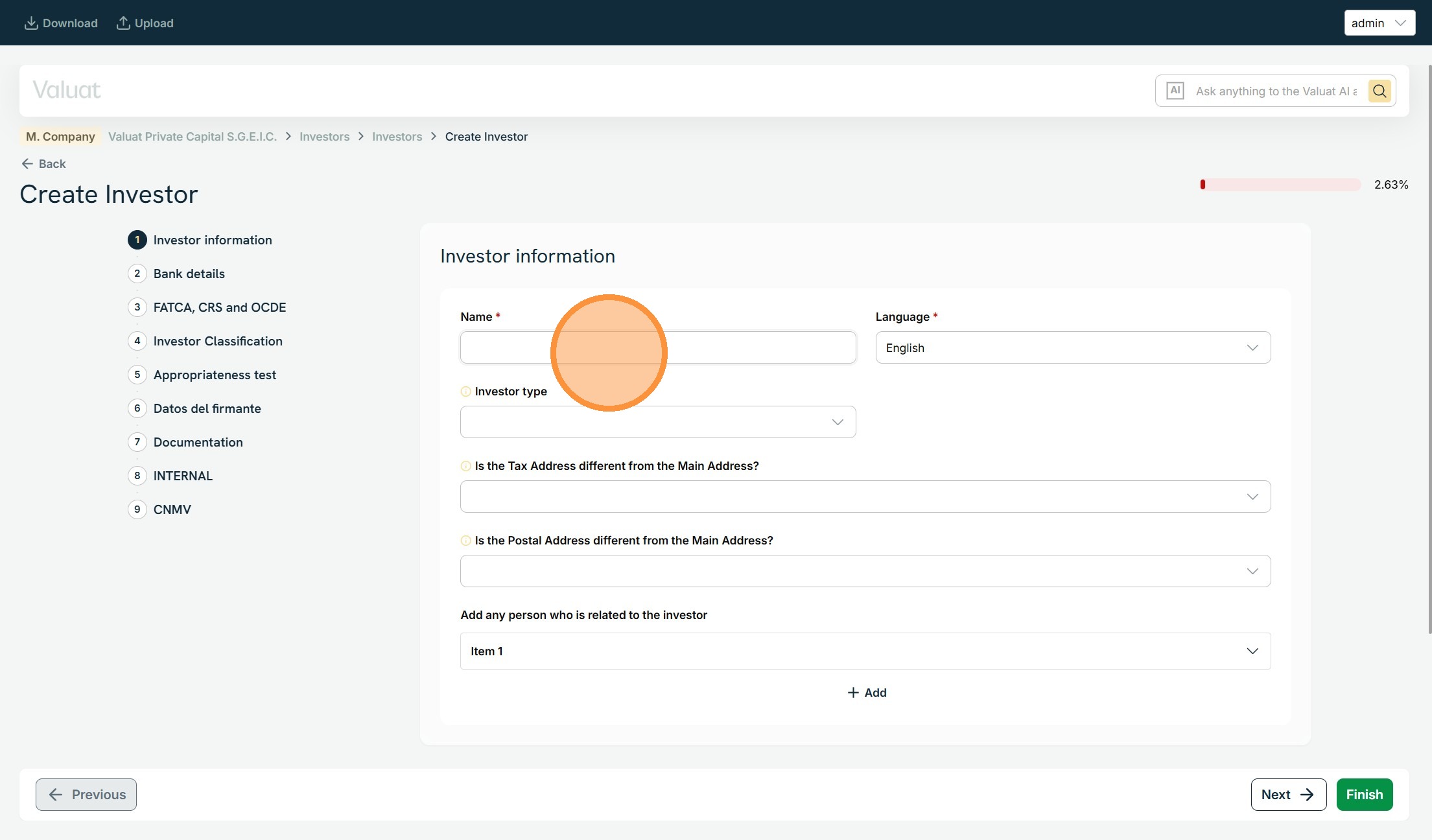
4. Fill out the Investor's Profile.
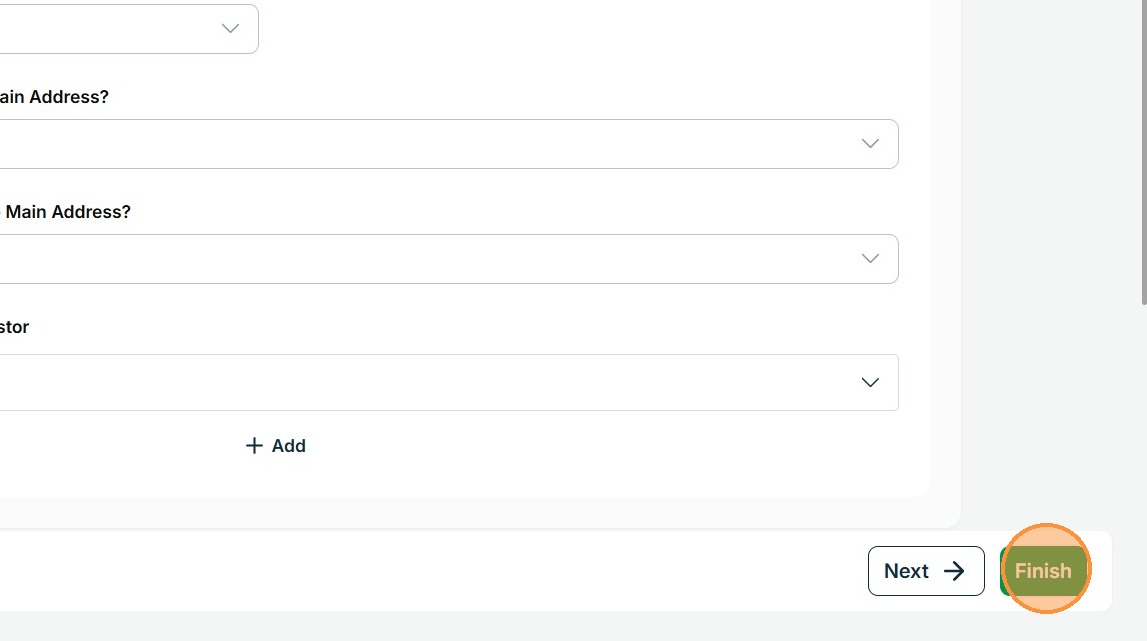
5. Click "Finish".
Last updated: 6/24/26, 4:10 PM