
Create a New Vehicle
Follow this guide to initiate the creation of a new investment vehicle
Follow the steps below to see how a new vehicle can be created.
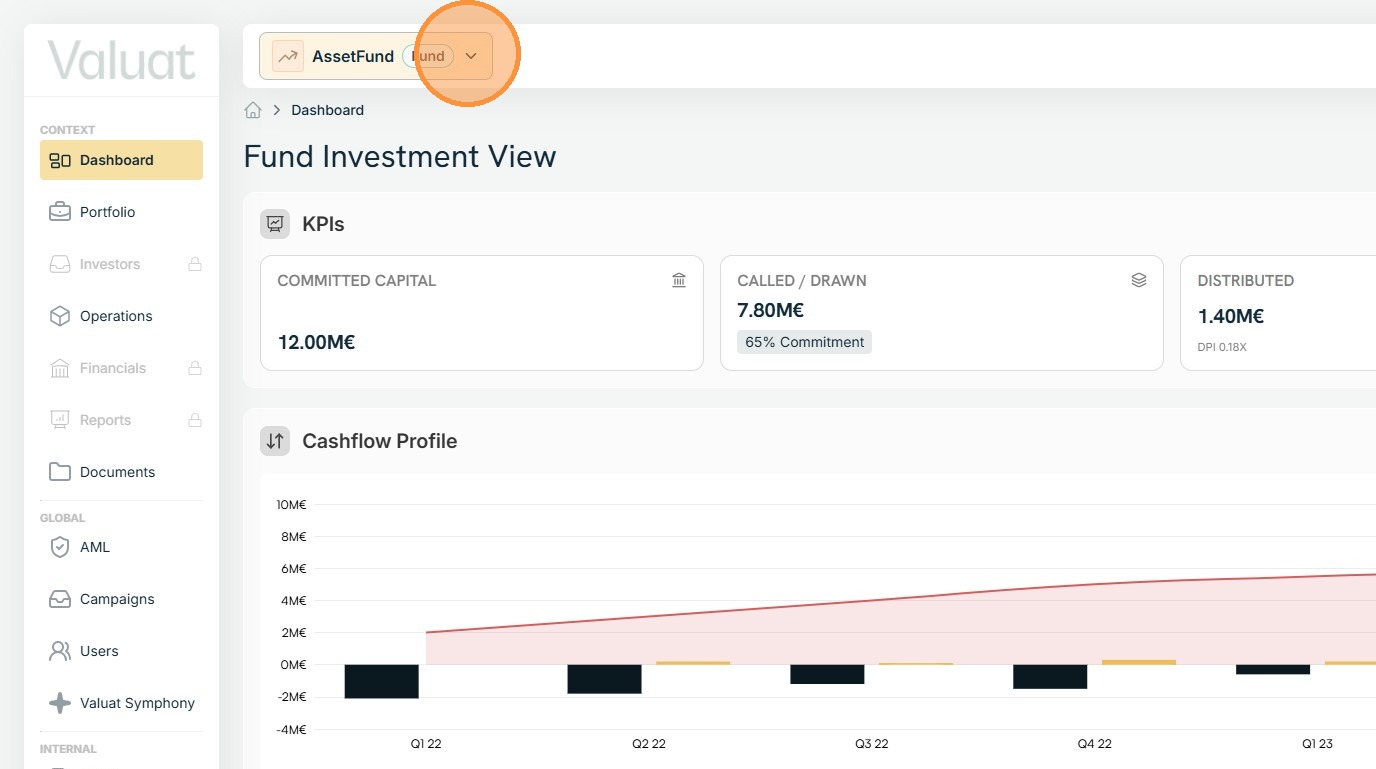
1. Use the searchbox at the top of the page, to open the Management Company.
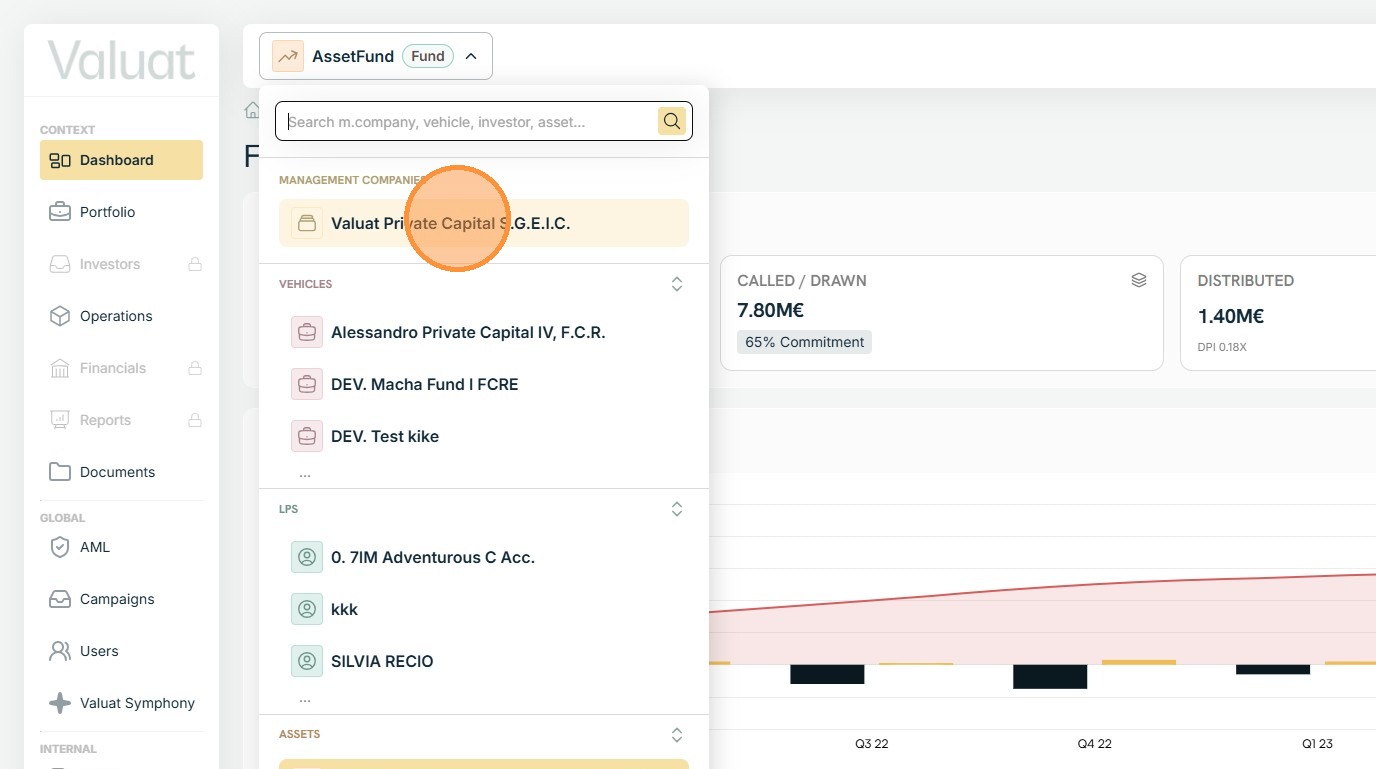
2. By default, the system lands on the Management Company Dashboard page.
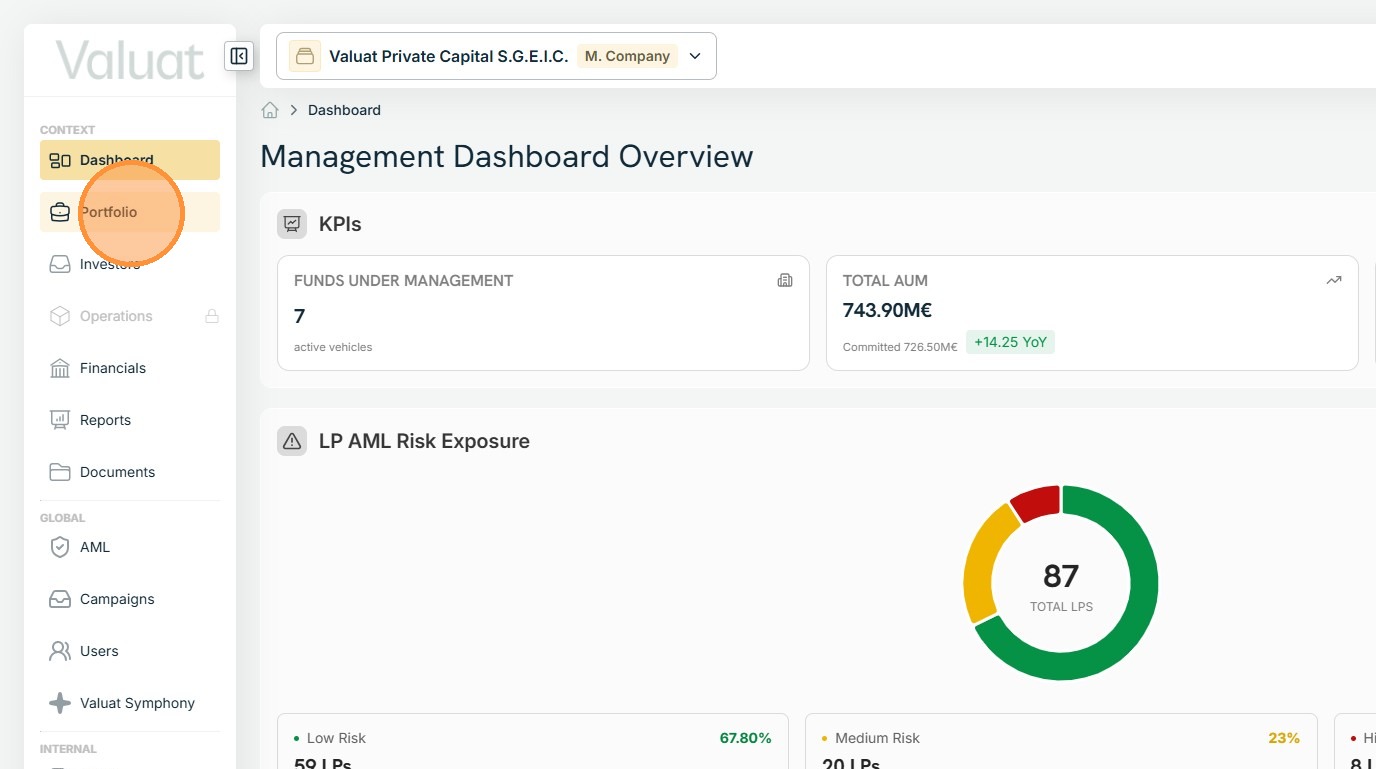
3. Use the left-hand side contextual menu to navigate to the Portfolio page.
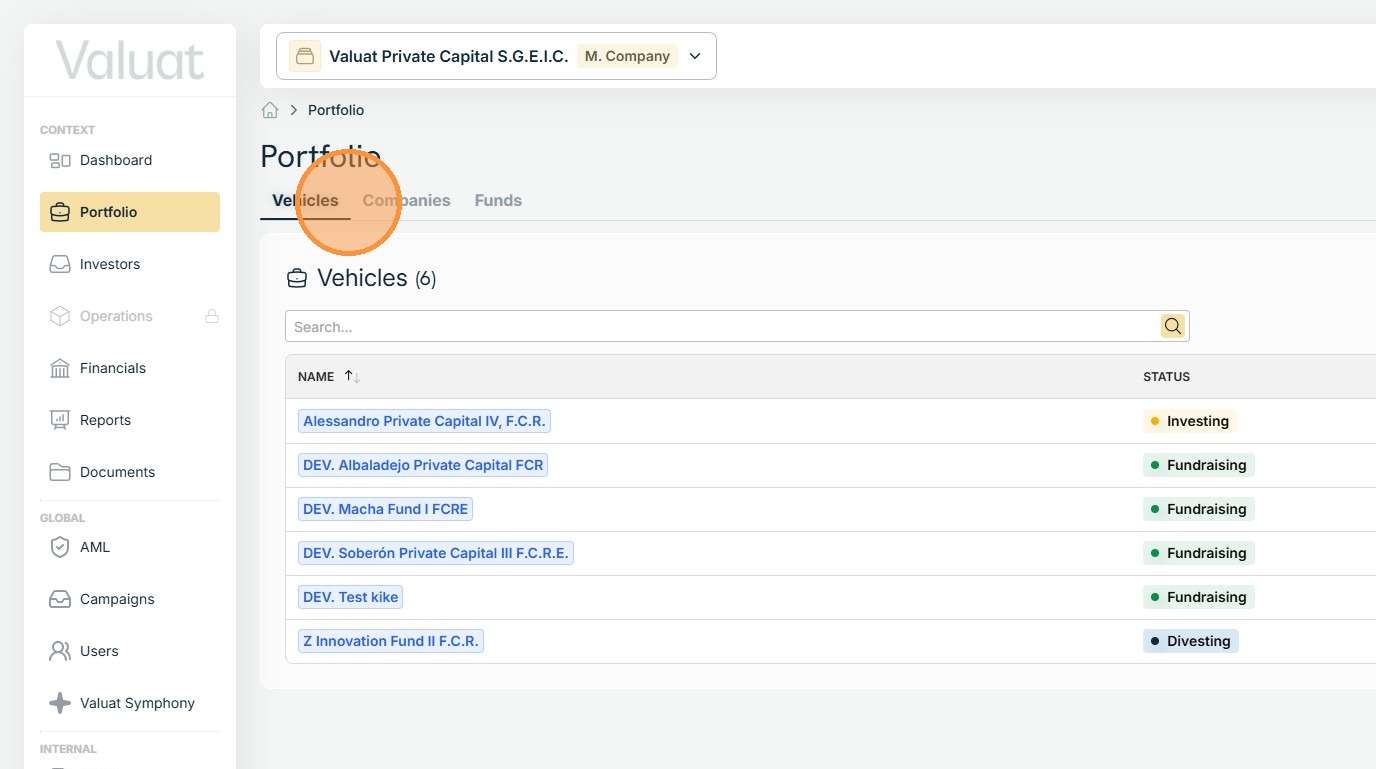
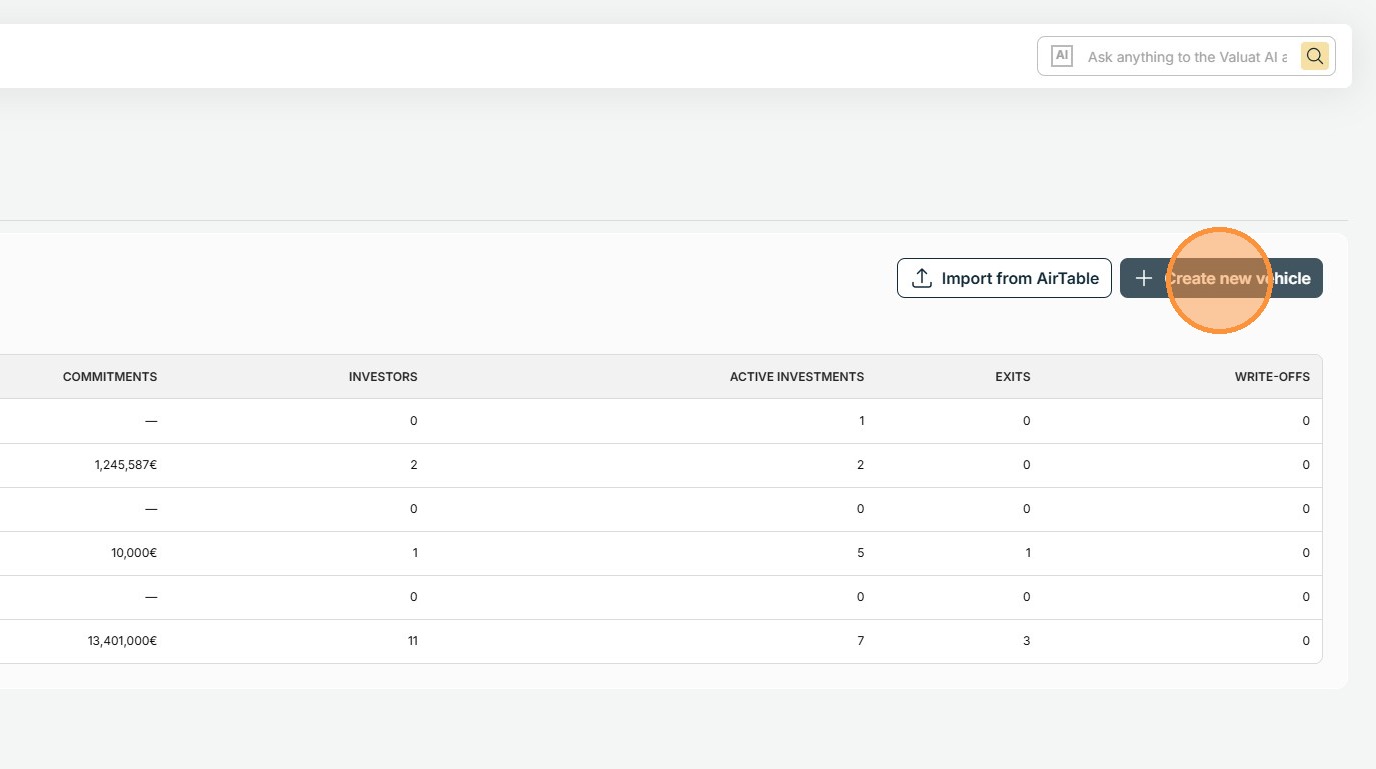
4. Press the Create new vehicle button, located on the right-hand side of the screen.
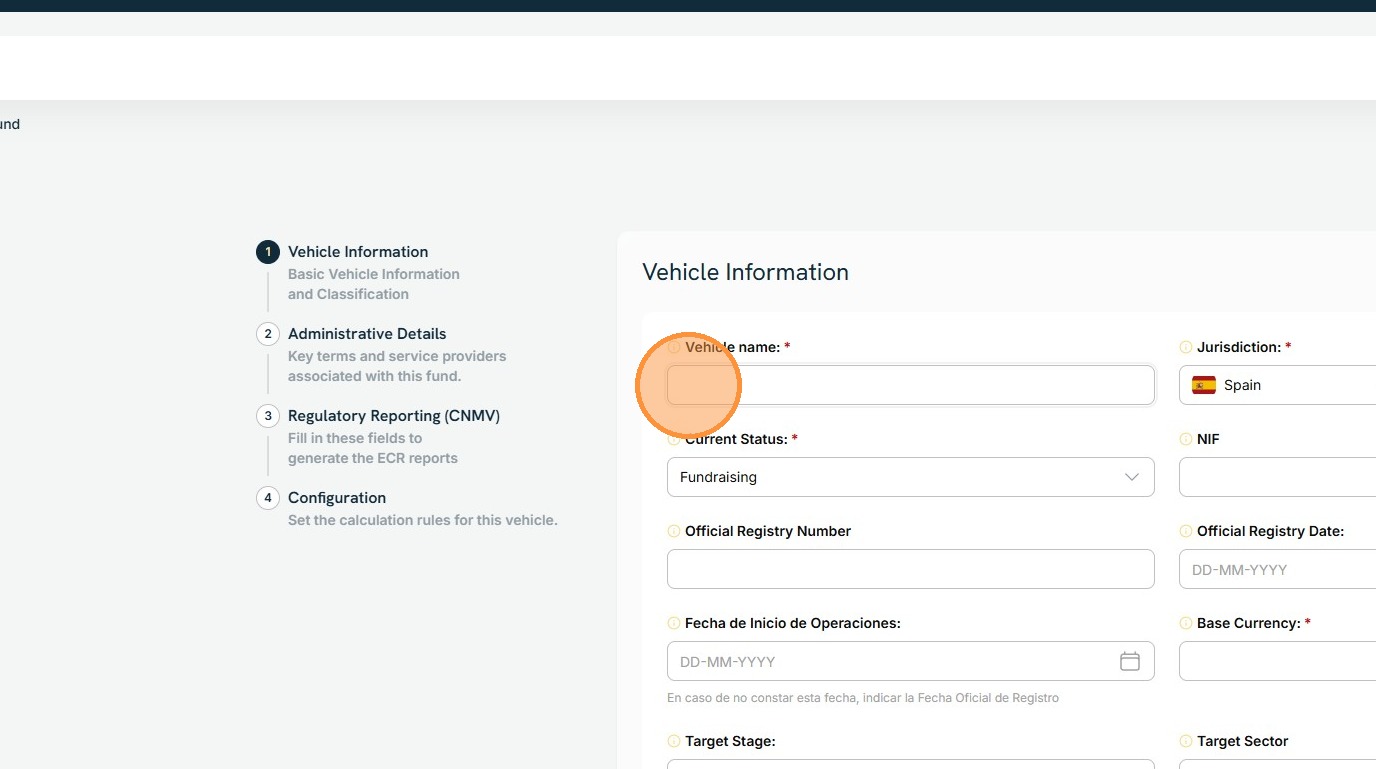
5. Fill the required info and progress through the different stages of the vehicle creation process.
Last updated: 6/24/26, 4:10 PM